Delivery in 2-3 working days

Category
2. Set up and connect your TV
To ensure that your TV, audio, settings, and external devices work well together in everyday use, proper setup is often key. Even small differences in connections, devices, or settings can prevent functions from working as intended or cause certain content to not play back optimally. Especially with modern TVs, questions about setup, connection, and usage come up time and again.
Our mission: Clear information and simple answers to common topics and questions about TVs. From connections and settings to devices and practical solutions for everyday use.

Toslink – the optical audio output
Next to the HDMI ports on the TV is a rectangular optical port through which audio is transmitted as light. This optical output is also called Toslink and has both advantages and disadvantages compared to other connection types.
What is Dolby Atmos?
The term can now be found on many TVs, soundbars, headphones, and even smartphones. However, the way Dolby Atmos is reproduced on these devices varies significantly. In addition to fixed channel groups, the format uses sound elements that can be placed freely throughout the room.
Turn Off the TV's Built-in Speakers
People who connect an external speaker of their choice to their TV often no longer want to hear the sound coming from the TV itself. With all devices, there are certain things you need to keep in mind to get the best possible TV sound.
Connecting TV Headphones to the TV
Headphones can be connected to the TV via Bluetooth, an aftermarket transmitter, a wireless signal, or a cable. Four solutions and pitfalls that can be avoided.
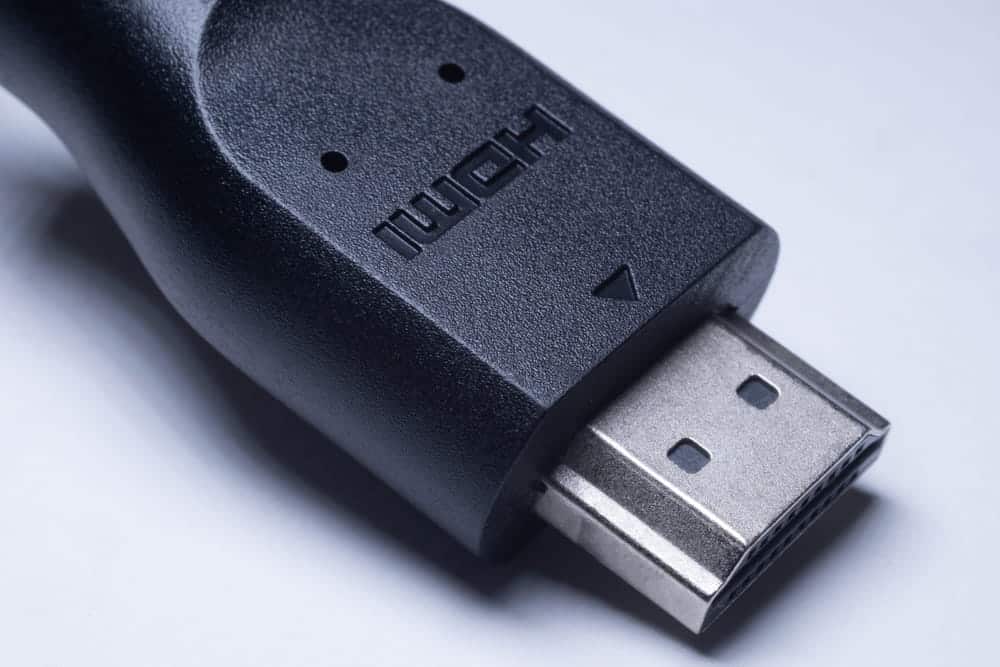
HDMI CEC Explained
HDMI CEC controls multiple devices via a single cable. In the TV menu, this feature often has different names and is frequently not enabled by default. Enabling it is worthwhile under certain conditions.
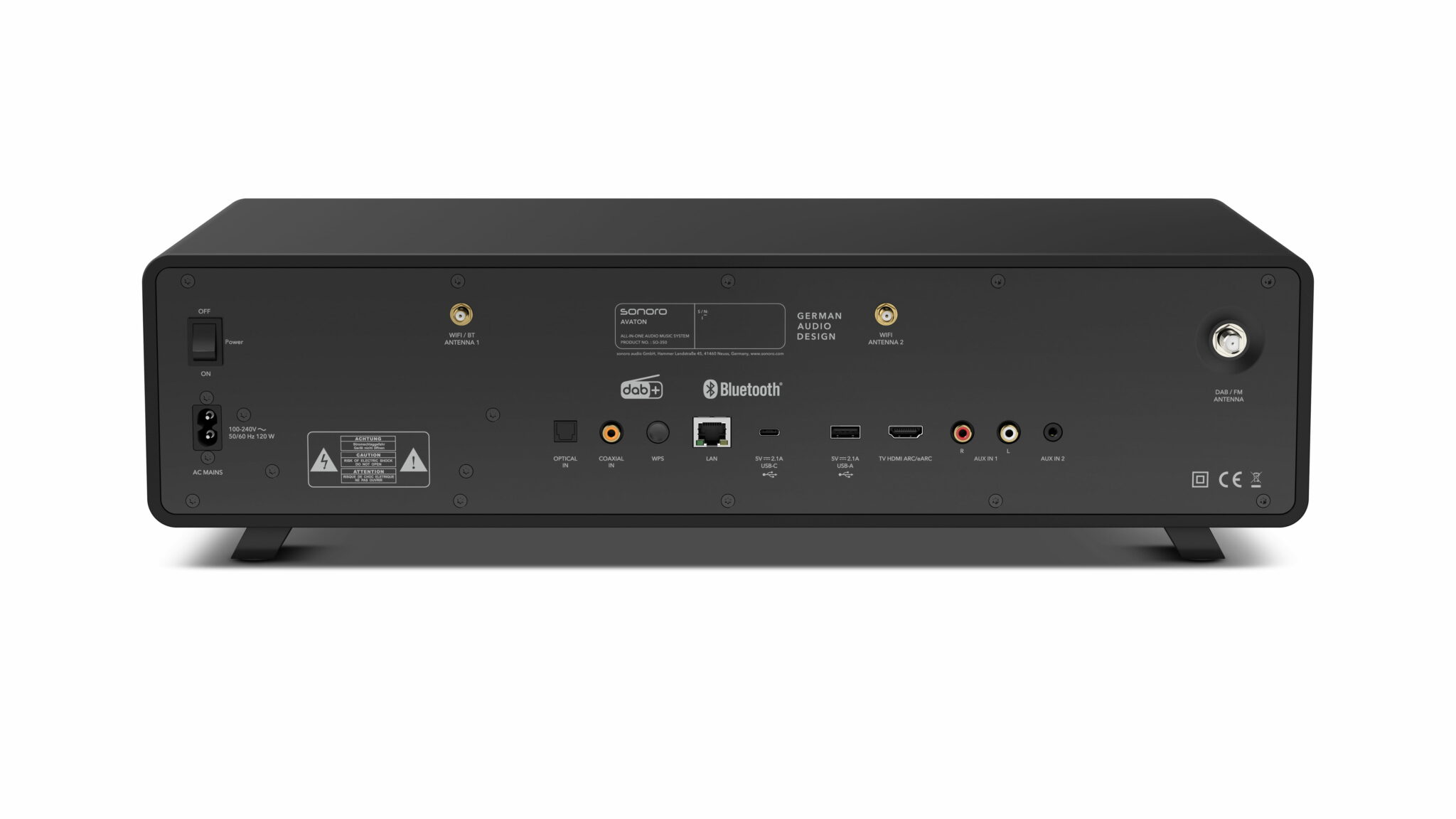
HDMI ARC and eARC on the TV
Whether it's a TV, soundbar, or another external TV device, one or more HDMI ports are standard these days. Learn about the advantages of using HDMI ARC versus HDMI eARC, common sources of errors, and many other details.
Types of TV Reception
Cable, Satellite, Antenna, or Internet: A Clear Comparison of the Four Ways to Watch TV—Including Pros and Cons.
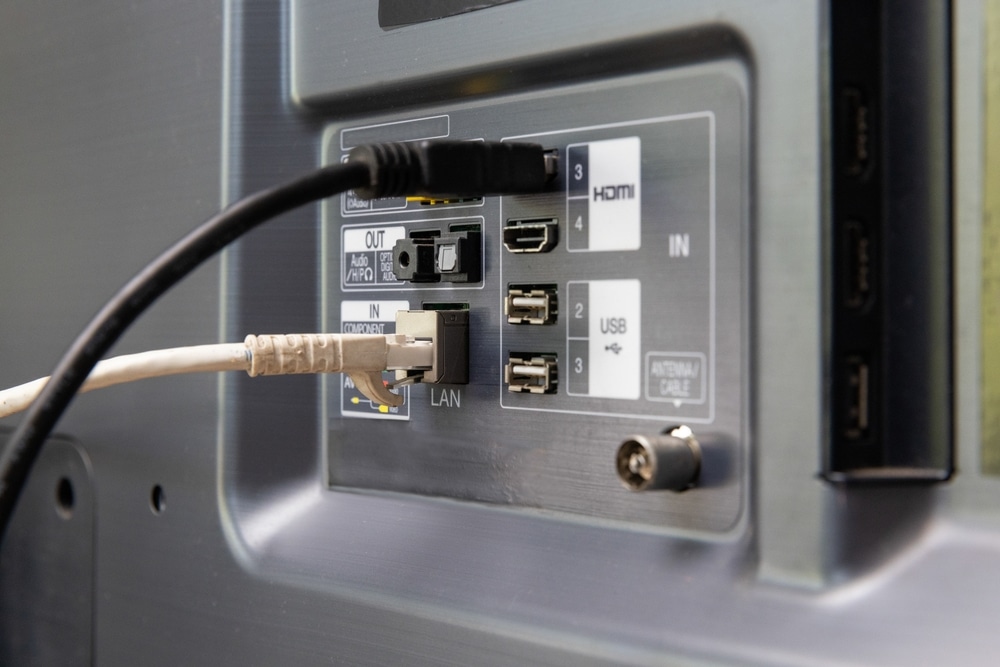
TV Connections
There are many ports on the back of a TV. Here's an overview of which connections are important and what HDMI, USB, optical output, antenna, and CI slot are used for.
Turning TV Subtitles On and Off
Sometimes subtitles suddenly turn on and you want to turn them off again; other times, you want them to stay on. A single keystroke is often enough, but not always, because the source of the subtitles determines where you can turn them on and off.
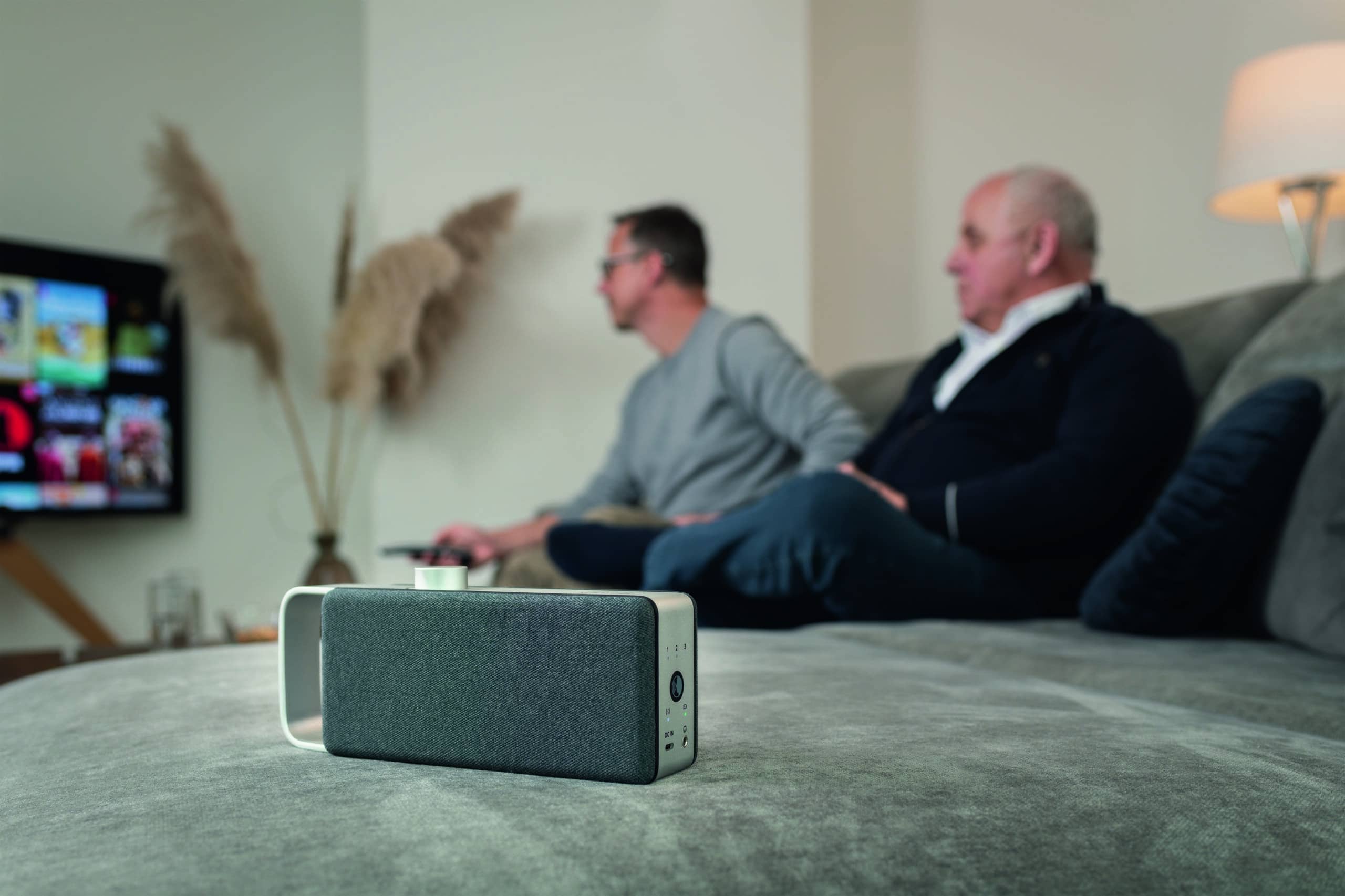
Consistent volume while watching TV
When switching TV channels, the volume often fluctuates noticeably. There are useful settings on the TV, but they quickly reach their limits.