Delivery in 2-3 working days

Adjusting the volume so it stays consistent while watching TV
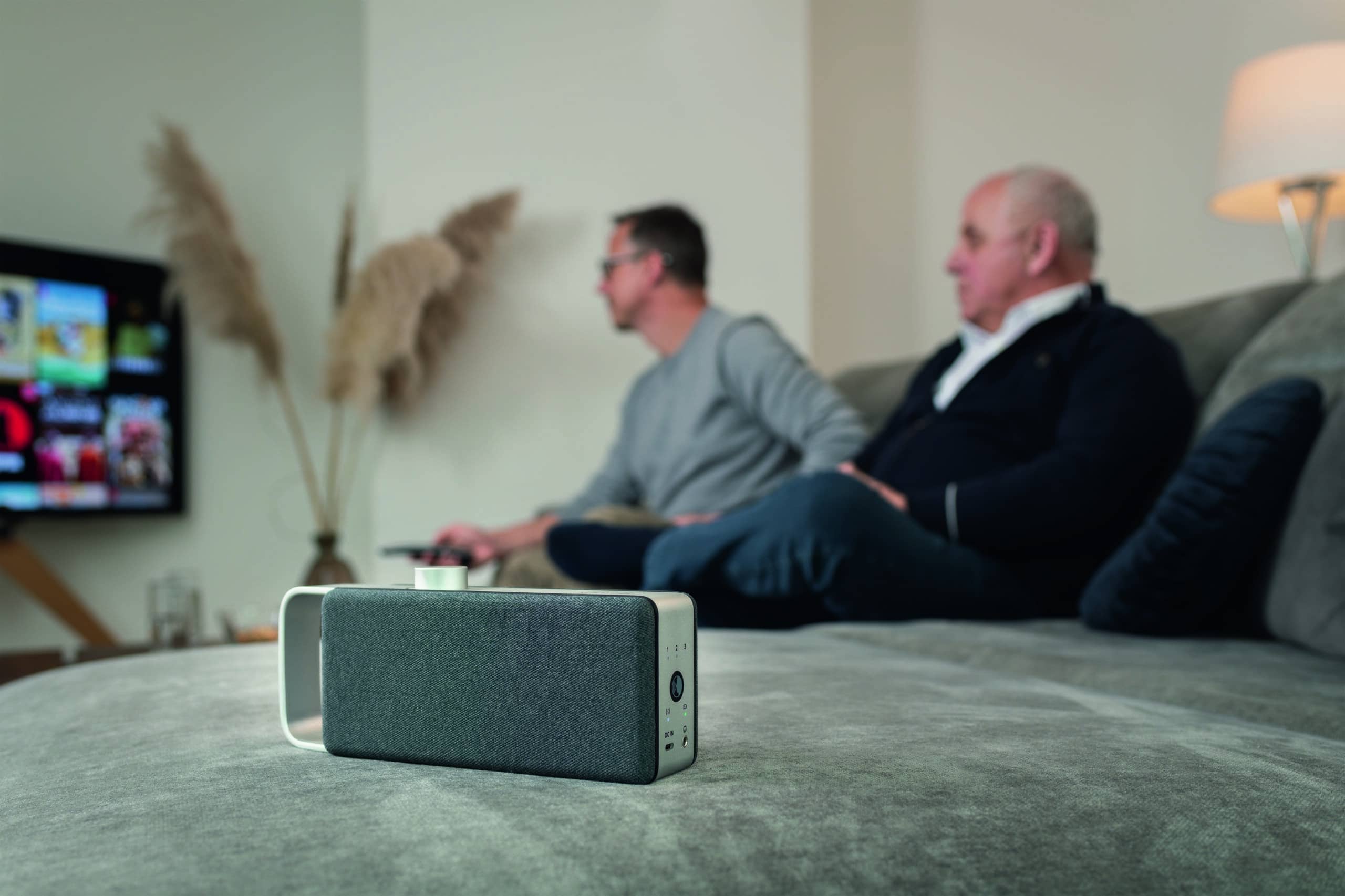
For many people, maintaining a consistent volume while watching TV is simply not an option. The volume often fluctuates significantly when changing channels, during commercial breaks, or between quiet dialogue and loud scenes. As a result, viewers are constantly forced to manually adjust the volume using the remote control, which repeatedly interrupts a relaxing evening of TV.
To ensure consistent volume while watching TV, you can use several settings on the TV, such as automatic volume control or night mode. When these settings reach their limits, an external solution can help by processing the sound specifically and directing it closer to where you’re sitting.
Why the volume fluctuates when watching TV
Fluctuations in volume are rarely caused by the TV alone. They begin during sound production, continue across different channels and sources, and are amplified by the way the volume control works.
Sound mixing for films and TV series
In film and TV production, dialogue, music, and sound effects are mixed onto separate tracks. Loud scenes, such as explosions, are often intentionally made louder than quiet conversations to enhance the impact. These significant differences in volume are not technical errors, but rather a creative choice. On the speakers of a smart TV, all these factors often combine, causing the dialogue to sound relatively quiet.
Differences between broadcasters, sources, and advertising
The background level also varies between sources. Commercial breaks are often mixed to be denser and more prominent than the surrounding programming and can therefore seem louder. The difference is also noticeable when switching between channels or between TV programming and streaming apps. A recommendation from the European Broadcasting Union, EBU R 128, aims to standardize loudness across programs, measured using an internationally standardized loudness measurement method. However, it is merely a recommendation and not binding for all providers, which is why volume differences occur repeatedly and very often in practice.
Why the volume control alone isn't enough
Standard volume control acts like a fixed multiplier. It boosts or cuts the entire audio signal—including both loud and soft passages—by the same ratio, so that the changes in loudness remain intact. In addition, with some digital audio formats, the signal is simply passed through and can only be adjusted at the output device.
These settings ensure consistent volume while watching TV
Several settings on the TV are designed to standardize the volume level. They’re free, quick to enable, and a sensible first step. The following three sections cover the most common situations.
1. Enable automatic volume
Many modern TVs have an automatic volume control feature that automatically adjusts for differences in volume between programs and commercial breaks. Depending on the device, this feature may have a different name and can be found in the sound or audio menu. In addition, many devices offer a level-matching function that allows you to adjust the base volume of individual inputs in advance to minimize volume jumps when switching sources.
2. Night mode and dynamic compression for loud effects
To balance quiet dialogue with loud sound effects, there is a type of dynamic compression often referred to as "night mode." It reduces very loud parts and boosts quiet ones, narrowing the gap between whispers and explosions. The downside is that heavy compression can make the sound seem muffled, which is why a moderate level usually sounds better.
3. Check the audio format and connection
The selected audio format also affects the volume. In some setups, it can help to temporarily switch the audio output from a multichannel format to PCM. This causes the TV to process the audio signal differently, which can reduce volume jumps when switching sources. For connections via HDMI ARC or eARC, it’s worth checking which device is controlling the volume, as jumps can occur here as well.
| Situation | What helps |
|---|---|
| Commercials and channel changes cause the volume to jump | Enable automatic volume |
| Dialogue too quiet, sound effects too loud | Turn on Night Mode or Dynamic Compression |
| Skips when switching sources or apps | Set the audio output to PCM; check the connection |
In short, automatic volume control helps with volume fluctuations across channels, night mode helps with the balance between dialogue and sound effects, and switching to PCM helps with source changes.
Why attitudes alone are often not enough
The TV's settings do a pretty good job of smoothing out sudden jumps between sources. However, two aspects of the problem often remain, and that's exactly where we still find ourselves reaching for the remote every day.
Dialogue remains the real problem
The most common reason for constantly having to adjust the volume isn’t a change in the channel, but the balance between speech and background noise within a program. Turning up the volume amplifies voices, music, and effects equally, so that dialogue remains just as difficult to understand relative to the rest of the audio. Dynamic compression smooths out the fluctuations but does not specifically highlight speech. Audio studies show that processing that improves the balance between foreground speech and background noise increases intelligibility and reduces listening effort.
The sound has to travel through the room
Even a well-tuned signal still has to travel from the TV across the room to where you’re sitting. When the distance is greater, the room is echoey, or there are varying listening needs within the household, that’s often not enough. At this point, it’s less about volume control and more about where the sound reaches you as you listen.
OSKAR a Solution for TV Audio
When you've exhausted all the TV's settings and dialogue still sounds uneven, the OSKAR mobile soundbar OSKAR different OSKAR . Instead of just adjusting the overall volume, OSKAR processes OSKAR sound and delivers it exactly where it needs to be heard.
How OSKAR makes OSKAR volume more pleasant
OSKAR the TV audio, highlights speech-relevant parts, and reduces distracting background noise. Because this makes dialogue come through more clearly, you’ll rarely need to turn up the volume just because voices are soft. This reduces the constant need to adjust the volume between quiet conversations and loud scenes.
Optimized sound right at your listening spot
The OSKAR portable TV speaker OSKAR right next to your seat and receives audio wirelessly from a base station connected to the TV. This means the processed audio reaches you from a short distance, regardless of how loud the TV is set for the rest of the room. As a result, the TV audio can be heard more clearly and comfortably from your seat, even if the program has a dynamic mix.
Frequently asked questions
To ensure consistent volume while watching TV, you can start by adjusting the automatic volume control in the TV’s sound menu, which can help smooth out the fluctuations between channels and commercials. A night mode or dynamic compression can also help balance quiet dialogue with loud sound effects. When switching between different sources, it may be helpful to switch the audio output to PCM. If dialogue in particular remains too quiet, a solution that processes the audio and outputs it directly to the seating area is worth considering.
Broadcasters and programs have considerable freedom in setting their own loudness levels, and different transmission methods process sound differently. A recommendation from the European Broadcasting Union, EBU R 128, is intended to standardize loudness, but it is not mandatory for everyone. As a result, differences are still noticeable when switching channels. The TV’s automatic volume control can help smooth out these fluctuations.
Dynamic compression—often referred to as "night mode"—can help here. It reduces the difference in volume between very quiet and very loud passages, ensuring that dialogue isn't drowned out and loud scenes aren't jarring. A moderate level of compression usually sounds more natural than heavy compression. If that isn't enough, speech optimization with output focused on the listening position can further bring the dialogue to the forefront.
Switching the audio output from a multichannel bitstream to PCM can help, because the TV will then often process the signal itself instead of passing it on as a multichannel bitstream to a downstream device. This can often reduce audio glitches when switching between sources. Whether this makes a difference in a particular case depends on the TV and the connected devices. A test with both settings will quickly show which option runs more smoothly.
Commercial breaks are often mixed with a higher density and greater presence than the surrounding programming and can therefore seem louder. The EBU R 128 recommendation is intended to limit such differences, but it is only a recommendation and is not binding on all broadcasters. The TV’s automatic volume control can smooth out the volume spikes during commercial breaks so that they no longer stand out unpleasantly.