Delivery in 2-3 working days

HDMI CEC Explained
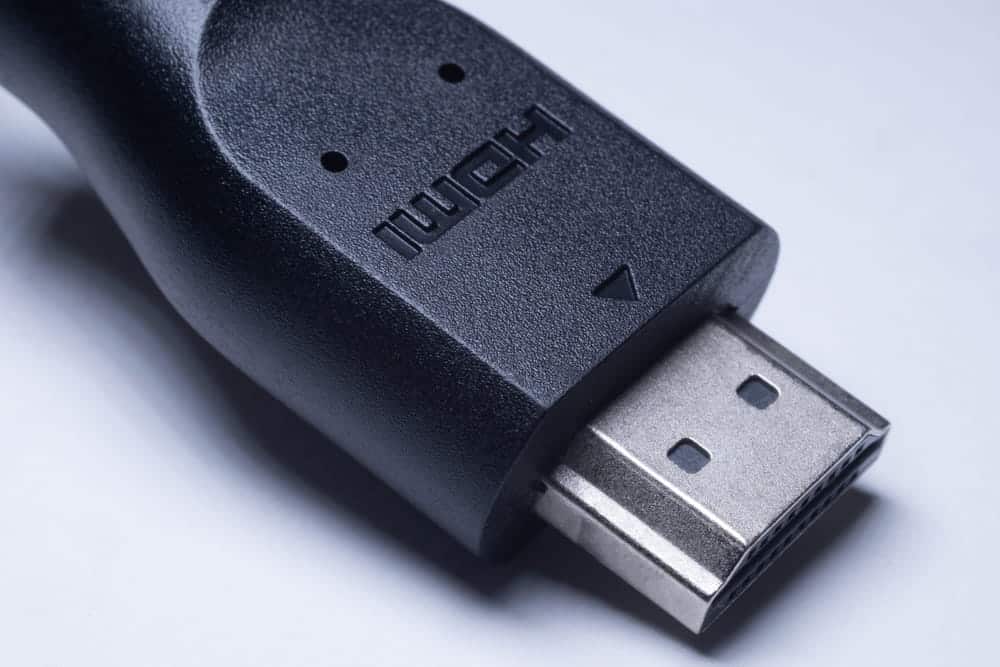
HDMI CEC controls multiple devices via a single HDMI cable. For example, if you turn on your Blu-ray player and the TV automatically switches to the correct input, you’re already using this feature. It also allows you to adjust the volume of a soundbar or other external amplifier using the TV remote control.
In the TV menu, HDMI CEC almost always goes by a different name depending on the manufacturer and usually needs to be enabled in the settings. It’s important to note that this feature doesn’t always work properly with every combination of devices. The settings can be found in the menu, where you can turn them on or off.
What is HDMI CEC?
The abbreviation stands for Consumer Electronics Control. It refers to a control function that has been a standard feature since the early versions of HDMI. It allows connected devices to send commands to one another instead of receiving them individually via separate remote controls.
The control channel in the HDMI cable
In addition to video and audio, an HDMI cable carries a separate control line. This line does not carry video or audio data, but rather short commands such as “turn on,” “switch channels,” or “turn up the volume.” The connection operates in both directions, meaning each device can both send and receive signals. This allows multiple devices to communicate with one another.
A special cable is not usually required for CEC, as long as the HDMI cable supports the control signal. However, for very long, active, or optical HDMI cables, you should specifically check whether they are CEC-compatible; otherwise, control commands may fail.
What it can be used to control
The best-known feature is called One Touch Play. When a connected device starts playback, the TV turns on and switches to the appropriate input. The counterpart to this is the System Standby feature. Pressing a button puts all connected devices into standby mode at the same time.
In addition, there is the forwarding of remote control commands, volume control of an external audio device via the TV remote control, and commands for recording control. However, which of these functions a device actually supports varies from model to model.
Why the function has a different name everywhere
The term “CEC” rarely appears in the menu. Manufacturers use their own names for the same function. These names usually refer to a connection or control feature. So if you’re looking for CEC, you’re not so much searching for the acronym as you are for a menu item that mentions “controlling connected devices.” You’ll usually find it under “Connections,” “System,” or “General.”
Distinguishing Between CEC and ARC
These two terms almost always go hand in hand and are found at the same port. Yet they are regularly confused because it isn't immediately clear which one performs which function. Distinguishing between them is actually easier than it sounds.
Control Commands vs. Audio Signals
CEC transmits only control commands. Turning the device on and off, switching inputs, adjusting the volume—that’s all this channel does. ARC, the Audio Return Channel, on the other hand, transmits audio from the TV back to a soundbar or amplifier. So one function tells the device what to do, while the other delivers the audio output.
Why the Two Go Hand in Hand
In practice, the two are interlinked. CEC is required to control the volume of the external audio device using the TV remote control. Some TVs even output audio through the Audio Return Channel only when device control is active. If you set up ARC and aren't getting any sound, you should therefore check this feature as well.
| Characteristic | CEC | ARC |
|---|---|---|
| Transmission | Control Commands | Audio signals |
| Typical task(s) | Turning On and Off, Switching Inputs | Audio from the TV to the audio device |
| Volume Control via TV Remote | Yes, responsible for that | No, requires CEC |
| Requires a separate connection | No, it is supported on all HDMI ports | Yes, only on the port marked "ARC" |
| Activated immediately | often not | usually only after changing the audio output |
CEC and ARC use the same cable but serve different purposes. A soundbar that allows you to control the volume using the TV remote control requires both.
Enable HDMI CEC
This feature is disabled by default on many devices. It takes only a few seconds to enable it, but you’ll need to find the correct menu option. Important: It’s often not enough to enable the feature on just one of the two devices.
Where the setting is located
On a TV, CEC is usually found in the settings under "Connections," "System," or "General." Some devices group device control options into a separate submenu where individual functions can be turned on or off separately. Examples include simultaneous power-off and automatic input switching.
Both devices must be compatible
The control only works if it is enabled at both ends of the connection. The menu option is often named differently on the audio device than on the TV. It’s a good idea to turn both devices off and then back on after enabling the control so that they can resync. Afterward, a quick test will show whether the TV automatically switches to the correct input when the external device(s) are turned on.
What to Do If CEC Isn't Working
The control system is considered practical but not reliable. For example, devices often fail to respond. The causes rarely lie with the user's own setup but rather in the way the standard is implemented. The following points explain most cases.
The Most Common Causes
The first thing to check is the devices connected via HDMI cables. Not every intermediate device, switch, or active cable reliably passes on CEC commands. Additionally, depending on the TV, the feature may be disabled separately for individual inputs or device groupings.
Next, check the device controls. They must be enabled on both devices. After a reset or an update, they are often disabled again without anyone noticing.
Finally, it’s worth taking a look at the splitters and adapters that connect the devices. They interrupt the control signal more often than you might think.
Why Implementation Varies So Much
The root of the problem lies in the standard itself. Which commands a device supports is largely left up to the manufacturers. There is no mandatory testing for this in all areas. Consequently, each device interprets the specifications slightly differently. Devices from the same brand therefore usually work together seamlessly, while mixed setups more often lead to glitches.
Work is underway to improve reliability. Newer implementations, such as HDMI-CEC 2.0, are designed to improve interoperability between devices, for example, when relaying remote control commands.
When multiple devices interfere with each other
As the number of devices increases, so does the potential for conflicts. If a game console, streaming box, and receiver are all connected to the TV at the same time, a device may “wake up” from sleep mode and take over as the video source, even though something else is currently playing. The opposite scenario can also occur: the TV turns off and takes all other devices down with it, even though, for example, the receiver should continue running.
When Not Enabling Is the Better Choice
If you have a recording playing in the background, are listening to the radio through the receiver, or are using a programmable universal remote, you’re often better off without this feature. Many devices allow you to disable individual functions while keeping others active. Caution: If device control is completely disabled, audio output via the audio return channel may also be lost on some TVs.
Frequently asked questions
HDMI CEC is a control protocol, not a method for transmitting video or audio. Connected devices communicate with each other via short commands over a dedicated line within the HDMI cable, so a single remote control is sufficient for multiple devices. CEC stands for Consumer Electronics Control, a term that rarely appears verbatim in device menus.
There are three ways to find the answer. In the menu, under "Connections," "System," or "General," you'll find an option for controlling connected devices. In the spec sheet or user manual, the term is usually found in the section on HDMI ports. And if the TV automatically switches to the input of a connected device when you turn it on, the feature is already active.
This isn't the case with standard cables. The control line is part of the HDMI connection and doesn't need to be purchased separately. The situation is different for very long runs, as well as for active or optical cables. In those cases, the control line isn't necessarily included, so it's a good idea to check the product specifications before purchasing.
The two functions share the same cable, but not the same purpose. CEC sends commands; ARC sends audio. If you want to turn up the volume on a soundbar using the TV remote, you need CEC. If you want to route the TV audio to the soundbar in the first place, you need ARC. That’s why, in everyday use, both are usually running at the same time.
It depends on the setup. The automatic feature becomes particularly annoying when devices wake up on their own or shut down together, even though one of them is supposed to stay on. Instead of disabling everything, many TVs allow you to turn off individual functions while keeping the rest active. There’s one side effect to keep in mind: Without active device control, the audio return channel is also disabled on some TVs.