
Category
To ensure that your TV, audio, settings, and external devices work well together in everyday use, proper setup is often key. Even small differences in connections, devices, or settings can result in functions not working as intended or specific content not being played back optimally. Especially with modern televisions, questions regarding setup, connection, and usage arise time and again.
Our mission: Clear information and simple answers to typical TV-related topics and questions. From connections, settings, and devices to practical solutions for everyday life.

Equalizer on your TV
The equalizer allows you to adjust bass, mids, and highs on the TV separately. For improved speech output, a little less bass and slightly boosted upper mids usually help. However, it cannot separate voices from music and background noise.

PCM or Bitstream
In the sound menu of your TV, Blu-ray player, and game console, you often have the choice between PCM and Bitstream. This setting determines which device decodes the sound: the TV itself or the connected external device.

What is an AV Receiver
An AV receiver is the central component of a multi-speaker home theater system. It amplifies, switches between sources, and processes multi-channel audio. However, for those simply seeking better TV sound, there are simpler solutions for the living room.
TV Has No Sound
The TV turns on, the picture displays, but there is no sound. This is often followed by unproductive attempts to restore the audio. However, in just a few minutes, you can determine whether the problem lies with the television, a connected device, or simply a setting that has been altered.

Toslink – The Optical Audio Output
On the television, next to the HDMI ports, there is a square optical socket through which sound is transmitted as light. This optical output is also known as Toslink and has both advantages and disadvantages compared to other connection types.

What is Dolby Atmos
The designation is now found on many televisions, soundbars, headphones, and even smartphones. However, how Dolby Atmos is reproduced in these devices differs significantly. In addition to fixed channel groups, the format works with sound elements that can be placed freely within a space.
Turn Off Internal TV Speakers
Those who connect an external speaker of their choice to the TV often no longer want to hear the sound from the TV. With all devices, certain things must be considered to achieve optimal TV sound.

Connecting TV Headphones to Your Television
Headphones can be connected to the TV via Bluetooth, a retrofitted transmitter, radio frequency, or cable. Four solutions and pitfalls that can be avoided.

HDMI CEC Explained
HDMI CEC controls multiple devices via a single cable. In TV menus, the function often has different names and is frequently not active by default. Activation is worthwhile under certain conditions.
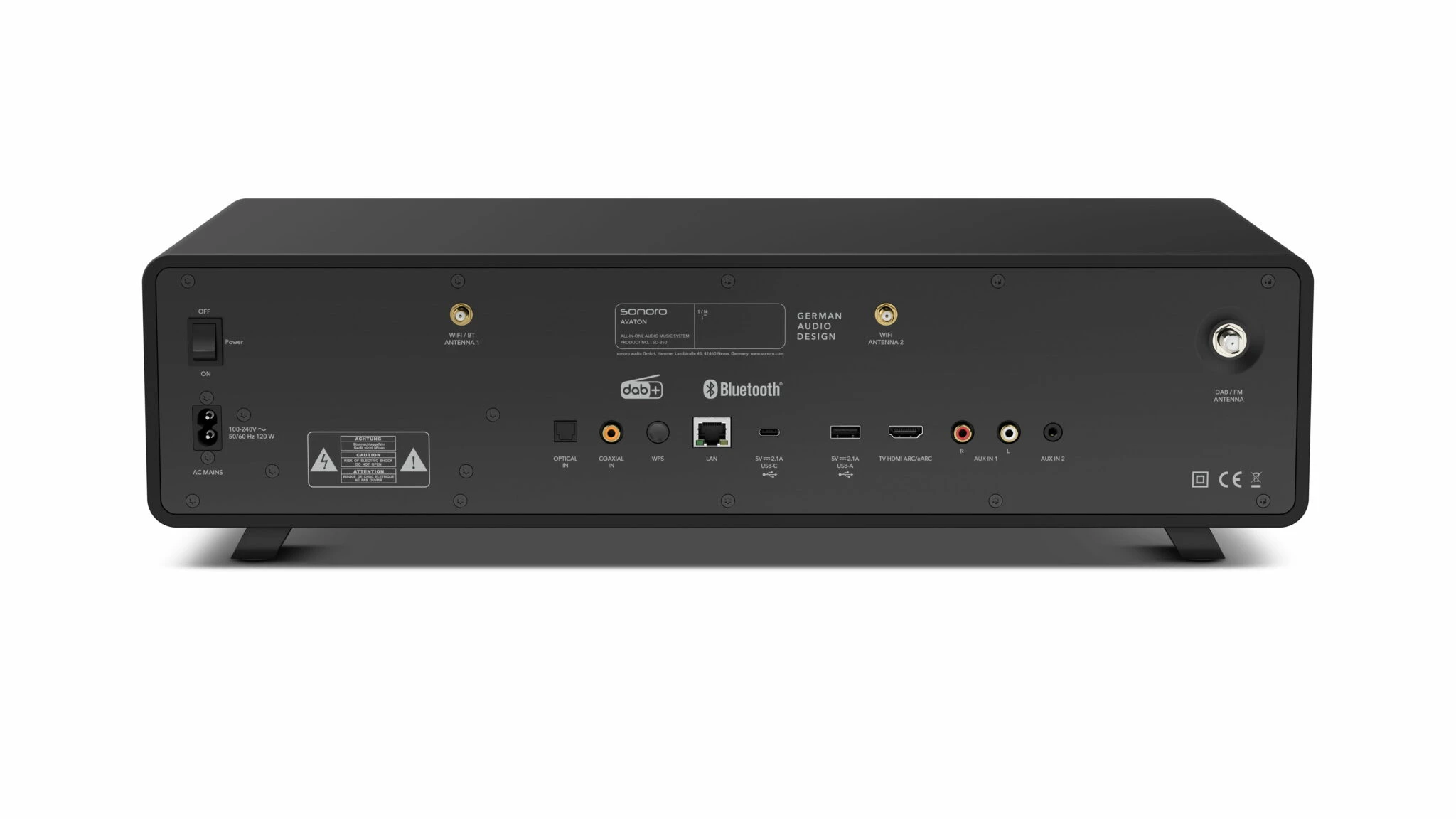
HDMI ARC and eARC on Your TV
Whether it’s a TV, soundbar, or another external TV device, one or more HDMI ports are standard today. Learn about the advantages of using HDMI ARC vs. HDMI eARC, common sources of error, and many other details.
TV Reception Methods
Cable, Satellite, Antenna, or Internet: The four ways to watch TV, in a clear comparison – including advantages and disadvantages.
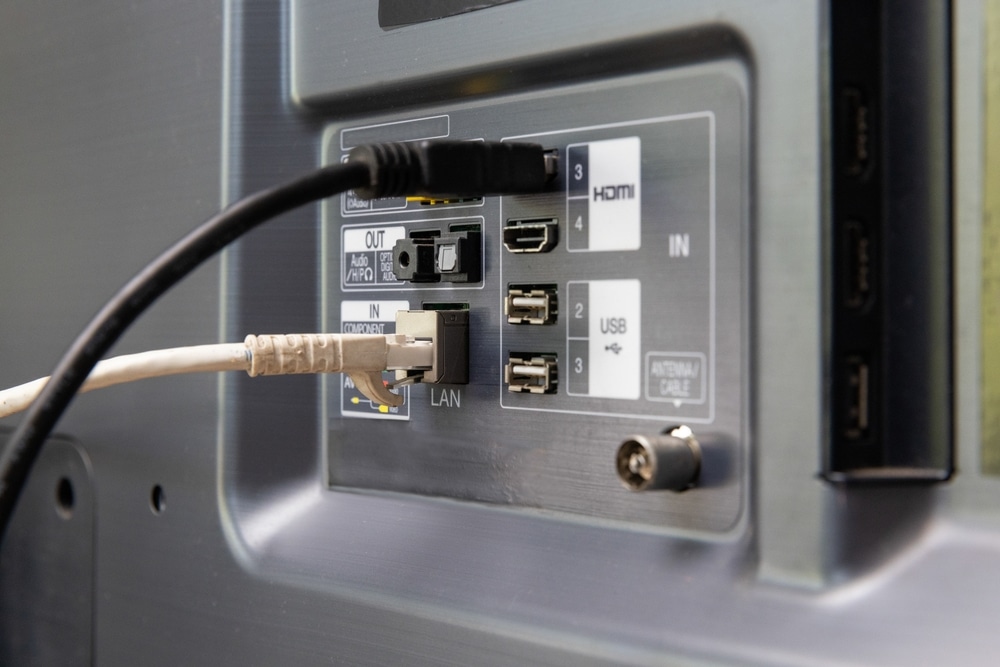
TV Connections
The back of a television features many ports. Here’s an overview of which connections are important and what HDMI, USB, optical output, antenna, and CI slot are used for.
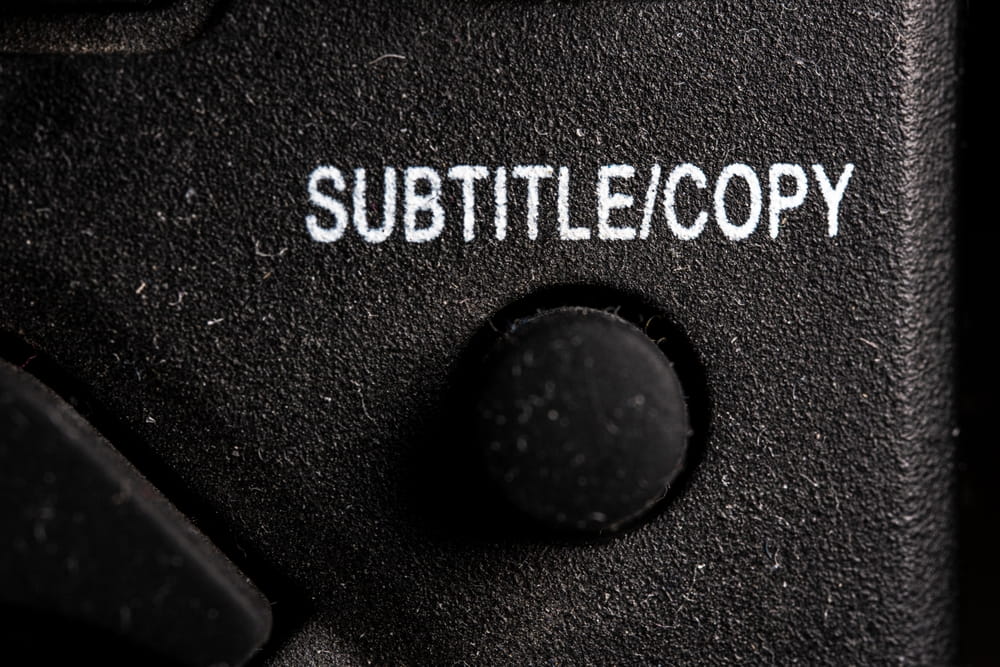
Turning TV Subtitles On and Off
Sometimes subtitles are suddenly on and need to be removed; other times, you want them to be active. A single button press is often enough, but not always, because where the subtitles originate determines where they can be turned off and on.
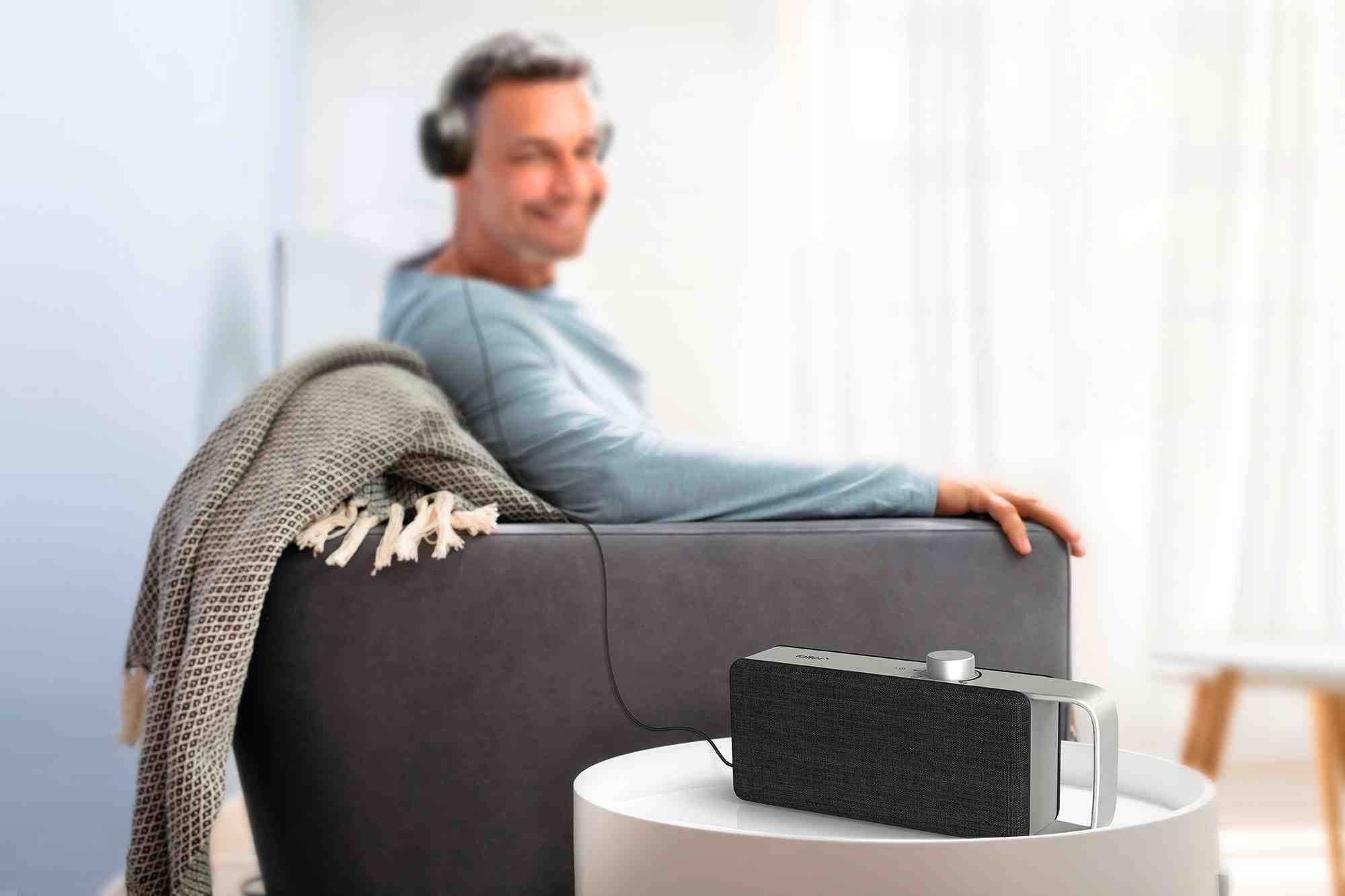
Consistent TV Volume
When switching TV channels, the volume often fluctuates noticeably. While there are useful TV settings, they quickly reach their limits.

TV Commercials Too Loud?
TV commercials often seem much louder than the surrounding program. While broadcast levels can be a factor, they are often not the actual cause of the volume jump.
Adjusting Your TV Correctly
Dull picture and poor sound quality despite a new TV. Optimize your TV with the correct settings for picture mode, contrast, audio, and sound.