
What is a center channel?
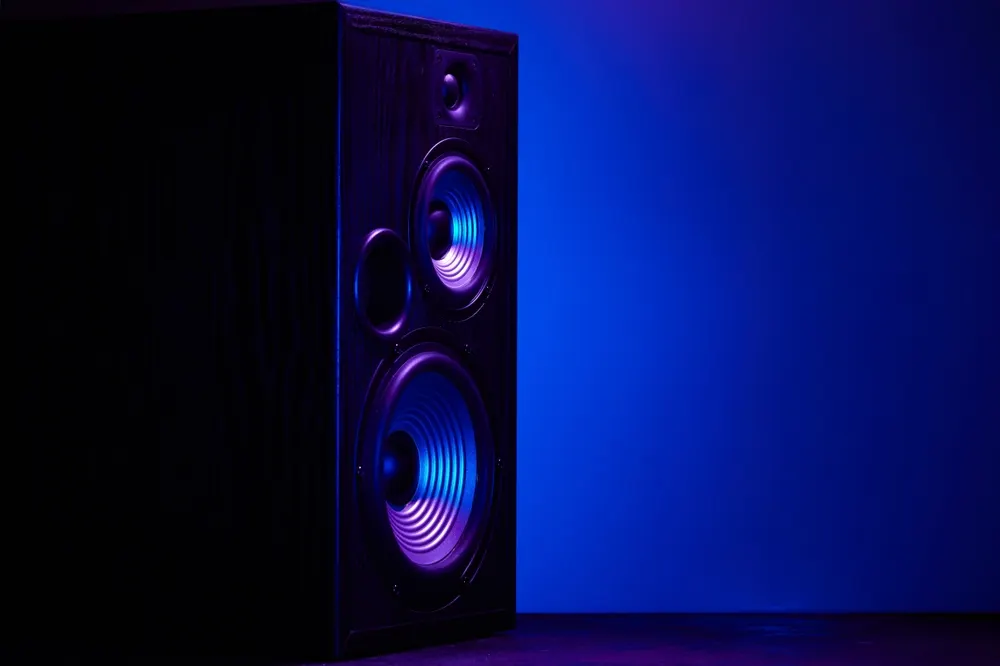
With a 5.1 audio track, there is a dedicated center channel, through which a large part of the dialogue usually runs. That is why voices in a surround system normally come from the speaker directly below or above the TV. With stereo, this additional channel does not exist.
If no center speaker is present, its signal is distributed to the existing speakers during playback. Usually, the voice then originates between the left and right speakers. However, if you are not sitting centrally in front of them or if the speakers are far apart, this impression can become weaker.
The center channel in multi-channel audio
Multi-channel audio distributes the sound of a movie across several channels, each assigned to a direction in the room. The center channel is the channel for the front center. In everyday use, however, the term is used for both this channel and the associated speaker, which easily leads to misunderstandings.
Structure of a 5.1 audio track
A 5.1 audio track has three channels at the front for left, center, and right. Added to this are two surround channels, which are played back laterally behind the listening position, as well as a channel for low-frequency effects—the one after the decimal point. This channel is usually played back by a subwoofer. With 7.1 and formats with height channels, further channels are added, while the center channel remains unchanged.
In a cinema, the three front speakers are located behind the screen. Which sounds are on which channel is determined during the sound mixing in the studio.
Channel and speaker
The center channel is part of the audio track and is delivered with the movie, whether via a streaming service, a Blu-ray, or the TV program. The prerequisite is that the broadcast is available in multi-channel audio. The center speaker, on the other hand, is the device that outputs this channel.
Both often occur independently of each other. Many movies are watched with a center channel without a center speaker being present. Conversely, a center speaker remains unused during a stereo broadcast unless the device itself calculates a center from the two channels.
The center in stereo
A stereo track has only a left and a right channel. If a voice is mixed at the same volume on both sides, you still hear it in the middle between the speakers. The center in stereo therefore arises from the interaction of both speakers.
With the center channel, this becomes a dedicated channel. A device can process it separately and output it via its own speaker.
Dialogues in the center channel
The fact that dialogues mostly run via the center channel is related to the image. People speaking in the movie are usually seen in the frame, i.e., at the front of the room. Their voices should therefore come from this direction for all viewers. A dedicated channel also has the advantage that the voices can be adjusted separately from the rest of the sound during playback.
Voices for all seating positions
In a cinema, many viewers sit next to each other, some of them far to the outside. If the voice were only created from the left and right speakers, it would shift to the side for these seats. A dedicated speaker in the middle prevents this because the voice then actually comes from the center of the screen.
This applies on a smaller scale in the living room at home as well. If several people are sitting on the sofa or if an armchair is positioned to the side, the voice comes from the direction of the TV for everyone when using a center speaker.
Other content in the center channel
However, the center channel does not only bring voices. During sound mixing, noises belonging to the action in the center of the image are often placed there, such as a door being closed. Depending on the mix, parts of the music are also on this channel.
Conversely, voices can also be on the side channels. This can be the case, for example, if someone calls from off-screen or an actor leaves the frame.
Separate adjustment of voices
Since the voices are predominantly on a dedicated channel, they can be specifically adjusted during playback. With a center speaker, you can turn the center up a bit without the music and effects on the other channels getting louder. With a stereo track, this is not easily possible because speech and the rest of the sound are already mixed into the same two channels.
Playback without a center speaker
Most TVs have a left and a right speaker. With a 5.1 audio track, the TV must therefore distribute the channels to these two speakers. For the center channel, this means that the voices come from both speakers simultaneously. This influences both the sound and the direction from which the voice is perceived.
Distribution to two channels
In what is known as a downmix, the center channel is mixed in equal parts into the left and right channels. It is usually lowered slightly, as it would otherwise appear louder through two speakers than through a single center speaker. The surround channels are also factored into the two channels.
Exactly how the portions are distributed depends on the device and the specifications in the audio track. If the portion of the center channel is too low, music and effects come more to the foreground.
The phantom center
If two speakers reproduce the same signal simultaneously and at the same volume, you do not hear two sound sources, but a single one between them. In acoustics, this is referred to as summing localization; in everyday life, it is called a phantom center. This is also how the center is created when the TV distributes the center channel to both speakers.
If you sit approximately the same distance from both speakers, this usually works well. The voice then seems to come from the middle of the TV, even though no dedicated speaker is installed there.
Influence of the seating position
If you sit significantly closer to one of the two speakers, its sound reaches the ear slightly earlier. You then perceive the sound more on that side. The voice thereby shifts toward the closer speaker, even though both reproduce it at the same volume.
With a TV’s built-in speakers, the effect is less pronounced because they are close together. The further apart two speakers are, the clearer it becomes.
Tonal differences
A phantom center does not sound exactly like a dedicated speaker in the middle. Each ear receives the sound from both speakers with a slight time delay. As a result, the sound waves overlap in such a way that individual frequencies are weakened.
These attenuations can lie in a frequency range that is important for the intelligibility of speech. The voice remains understandable but often sounds slightly less present than from a single speaker. Voices are therefore often slightly easier to understand via a dedicated center speaker, although usually not perfectly.
The center channel depending on the playback device
How the center channel is reproduced depends on the device. TV speakers, headphones, soundbars, and home theater systems each handle it differently. The decisive factor is whether there is a dedicated speaker for the center channel or whether the center is created from two speakers.
| Playback | Playback of the center channel | Consequence for the voices |
|---|---|---|
| TV speakers | usually via the left and right speakers | phantom center, clear from the middle seating position |
| Headphones | via both ear cups | voice appears centered in the head, regardless of seating position |
| Soundbar without center | via the left and right sides of the soundbar | similar to the TV, often with a fuller sound |
| Soundbar with center | via a dedicated speaker in the middle | fixed center, often separately adjustable |
| Home theater with center speaker | via a dedicated speaker above or below the screen | voice aligned with the image for all seats, separately adjustable |
Depending on the playback of the center channel, this has consequences for the voice output.
Soundbars with center speakers
Soundbars with a 3.1 specification or higher usually have a dedicated speaker for the center channel. In models with 2.0 or 2.1, the center is created from two sides, just like with a TV.
The center speaker of a soundbar sits directly below the screen and is thus in a favorable position for reproducing voices. However, since the other speakers in the soundbar are close by, the difference to a phantom center is smaller than with a home theater system with speakers placed far apart.
The center speaker in a home theater
In a home theater system, the center speaker stands between the two front speakers, usually directly above or below the screen. Since there is little space at this point, center speakers are often built horizontally, i.e., wider than they are high. If it is placed low, for example on a lowboard, it should be angled slightly upward toward the viewers’ head height.
Tonally, the center speaker should match the front speakers so that a voice does not change when it moves from the center to the side. Furthermore, it should not be placed deep in a shelf compartment, as the intelligibility of the voices will otherwise suffer.
Adjusting the center
If a center speaker is present, its volume can usually be adjusted separately. This is a direct way to highlight voices. However, the adjustment has limits and only works to a limited extent with stereo broadcasts.
Center level
On the AV receiver and on many soundbars with their own center speaker, the volume of the center channel can be regulated separately. An automatic calibration first sets all channels to the same volume. Subsequently, you can increase the center in small steps until the voices stand out more clearly against music and effects.
A scene with a lot of dialogue and simultaneously lively background sound is suitable for testing. If the other channels remain unchanged, the difference can be heard quickly.
Limits of the increase
If the center is increased too much, not only the voices become louder, but also music and noises that are on this channel. A TV speech amplifier like OSKAR follows a different approach. Instead of simply making an entire channel louder, the speech components are specifically highlighted and brought closer to the listening position.
The center in stereo broadcasts
In a stereo broadcast, the center speaker initially receives no dedicated signal. It only reproduces something if the device calculates a center from the two stereo channels. Which components end up in the center is determined by this process. The control then only determines how loudly this calculated center is reproduced.
Frequently Asked Questions
The term appears primarily in the audio settings. On a system or soundbar, there is often a dedicated level for the center. When setting up an AV receiver, you are also asked whether a center speaker is connected. In the case of the level, the channel is meant, whereas in the case of the setup, the speaker that reproduces it is meant. The TV itself normally does not have a dedicated speaker for this.
No, a center channel is usually only available in versions with multi-channel audio such as 5.1 or 7.1. Many movies and series are available in both multi-channel audio and stereo. Which version is played back depends on the provider, the selected audio track, and the device settings. In the stereo version, there is no dedicated center channel.
Many TVs, players, and streaming apps display the audio format of the current broadcast, for example via the info button or in the menu for the audio track. The specification 5.1 or higher means that a center channel is included. With 2.0 or stereo, there is only a left and a right channel. AV receivers often also show in the display which channels are currently occupied.
Usually not, as TVs do not have an output for individual channels. Instead, they pass the multi-channel audio on digitally, for example via HDMI ARC or the optical output. An AV receiver then splits the signal back into the individual channels. The center speaker is also connected there. Soundbars with their own center already have it built in.
Often a stereo broadcast is currently running, which does not contain a center channel. A setting that only outputs the sound on two channels can also mute the center. In some cases, the level of the center is set too low after setup. A test with a broadcast in 5.1 usually quickly shows what the reason is.