
HDMI CEC Explained
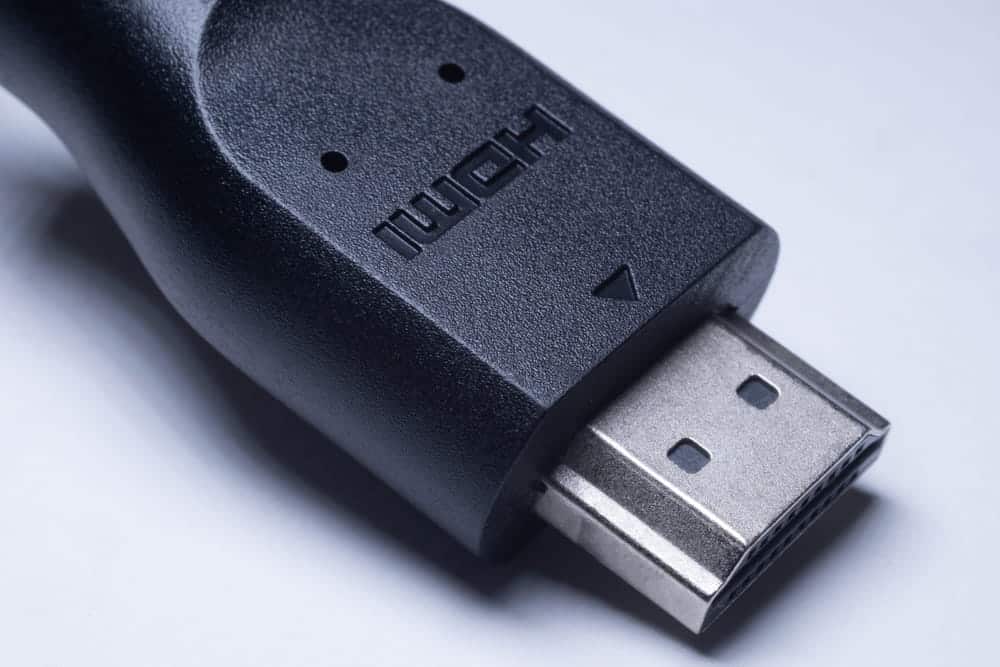
HDMI CEC controls multiple devices via a single HDMI cable. If, for example, you turn on the Blu-ray player and the TV automatically switches to the correct input, you are already using this function. It also ensures that the volume of a soundbar or another external amplifier can be adjusted using the TV remote control.
In the TV menu, HDMI CEC almost always has a different name depending on the manufacturer and usually needs to be activated in the settings. It is important to know that the control does not run smoothly in every device combination. The settings can be found in the menu, where you can switch them on and off.
What is HDMI CEC
The abbreviation stands for Consumer Electronics Control. It refers to a control function that has been standard since early HDMI versions. It allows connected devices to send commands to each other instead of receiving them individually via separate remote controls.
The control channel in the HDMI cable
In addition to picture and sound, an HDMI cable carries its own control line. No picture or sound data runs over this line; instead, it carries short commands such as power on, switch, or volume up. The connection works in both directions. Every device can therefore send and receive. Multiple devices can address each other in this way.
A special cable is normally not required for CEC, as long as the HDMI cable supports the control line. For very long, active, or optical HDMI cables, however, you should explicitly check whether it is CEC-compatible; otherwise, control commands may fail.
What can be controlled with it
The best-known function is called One Touch Play. If a connected device starts playback, the TV turns itself on and switches to the appropriate input. The counterpart to this is System Standby. A single press of a button sends all connected devices into sleep mode together.
In addition, there is the forwarding of remote control commands, the volume control of an external audio device via the TV remote control, and commands for recording control. However, which of these a device actually masters differs from model to model.
Why the function has a different name everywhere
The term CEC is rarely found in the menu. Manufacturers assign their own names for the same function. These names usually suggest a link or control. Therefore, those looking for CEC should look less for the abbreviation and more for a menu item that speaks of “control of connected devices.” You will usually find it under Connections, System, or General.
Distinguishing between CEC and ARC
Both terms are almost always mentioned together and are located at the same port. Nevertheless, they are regularly confused because it is not clear at first glance who performs which task. The distinction is actually simpler than it sounds.
Control commands vs. audio signals
CEC exclusively transports control commands. Powering on and off, changing inputs, changing volume—nothing else happens via this channel. ARC, the Audio Return Channel, on the other hand, transports the sound from the TV back to a soundbar or an amplifier. So, one function tells the device what to do, while the other provides the output.
Why both belong together
In practice, the two work together. CEC is required so that the volume of the external audio device can be controlled via the TV remote control. Some TVs even only output sound via the Audio Return Channel if the device control is active. Therefore, if you set up ARC and get no sound, you should also check this function.
| Feature | CEC | ARC |
|---|---|---|
| Transmission | Control commands | Audio signals |
| Typical task(s) | Powering on/off, changing input | Sound from TV to audio device |
| Volume via TV remote | Yes, responsible for this | No, requires CEC |
| Separate port required | No, provided on all HDMI ports | Yes, only on the port labeled ARC |
| Directly activated | Often not | Usually only after changing audio output |
CEC and ARC run over the same cable but solve different tasks. Both are needed for a soundbar with volume control via the TV remote control.
Activating HDMI CEC
The function is switched off by default on many devices. Activation only takes a few seconds but requires finding the correct menu item. Important: It is often not enough to activate the function on only one of the two devices.
Where the setting is located
On the TV, CEC is usually found in the settings under Connections, System, or General. Some devices group the device control into a separate sub-menu in which individual functions can be switched on and off separately. For example, simultaneous power-off or automatic input switching.
Both devices must cooperate
The control only works if it is active at both ends of the connection. The menu item on the audio device is often named differently than on the TV. After activation, it makes sense to switch both devices off and on again so that they can re-synchronize. A quick test will then show whether the TV automatically switches to the correct input when the external device(s) are started.
What to do if CEC is not working
The control is considered practical but not reliable. For example, devices frequently fail to react. The causes are rarely due to your own setup, but rather in the way the standard is implemented. The following points explain most cases.
The most common causes
The first look should be at the devices connected with HDMI cables. Not every intermediate device, switch, or active cable reliably passes on CEC commands. Furthermore, depending on the TV, the function can be deactivated separately for individual inputs or device links.
The second look should be at the device control. This must be active on both devices. After a reset or an update, it is often switched off again without being noticed.
Finally, it is worth taking a look at splitters and adapters that sit between the devices. They interrupt the control more often than one might assume.
Why the implementation varies so much
The core of the problem lies in the standard itself. Which commands a device supports is largely left to the manufacturers. There is no binding test for this in all areas. Accordingly, each device interprets the specifications slightly differently. Devices of one brand therefore usually work together smoothly, while mixed setups more often lead to dropouts.
Reliability is being worked on. Newer implementations such as HDMI-CEC 2.0 are intended to improve cooperation between devices, for example, when forwarding remote control commands.
When multiple devices get in each other’s way
As the number of devices increases, so does the potential for conflict. If a game console, streaming box, and receiver are connected to the TV at the same time, it can happen that a device “wakes up” from sleep mode and takes over the picture source, even though something else is currently running. The reverse pattern also occurs. The TV turns off and takes all other devices with it, even though the receiver, for example, should continue to run.
When not activating is the better choice
If you have a recording running in the background, listen to the radio via the receiver, or work with a programmable universal remote control, you are often better off without the function. Many devices allow individual functions to be switched off while keeping others. Note: If the device control is completely deactivated, the audio output via the Audio Return Channel may also fail on some TVs.
Frequently Asked Questions
HDMI CEC is a control protocol and not a picture or sound transmission. Connected devices communicate via short commands over a dedicated line in the HDMI cable, so that one remote control is sufficient for multiple devices. CEC is the short form of Consumer Electronics Control, a term that rarely appears literally in the device menu.
Three ways lead to the answer. In the menu under Connections, System, or General, there is an item for controlling connected devices. In the data sheet or the operating instructions, the term is usually found in the section on HDMI connections. And if the TV automatically switches to its input when a source device is switched on, the function is already active.
Not for ordinary cables. The control line is part of the HDMI connection and does not need to be purchased separately. The situation is different for very long distances as well as for active or optical cables. There, the control line is not necessarily included, which is why a look at the product specifications before purchasing is sensible.
The two functions share the cable, not the task. CEC sends commands, ARC sends sound. If you want to turn up the volume of a soundbar via the TV remote control, you need CEC. If you want to get the TV sound to the soundbar in the first place, you need ARC. In everyday use, both usually run simultaneously.
That depends on the setup. The automatic system becomes annoying especially when devices wake up unasked or switch off together even though one should continue to run. Instead of deactivating everything, individual sub-functions can be switched off on many TVs while keeping the rest. One side effect should be considered: Without active device control, the path for the Audio Return Channel also remains closed on some TVs.