
Adjusting Consistent TV Volume
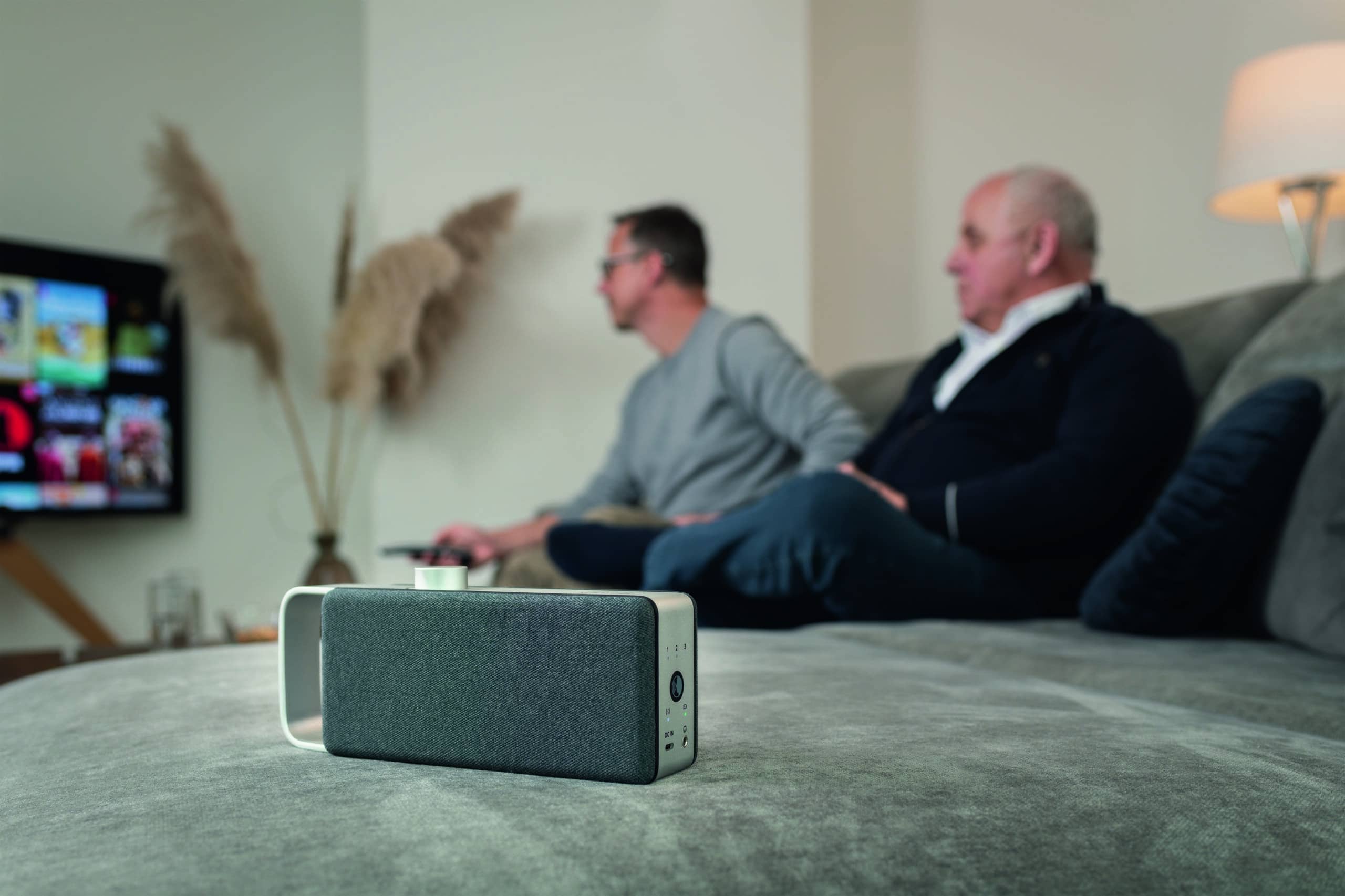
For many, consistent TV volume is an elusive scenario. When switching channels, during commercial breaks, or between quiet dialogues and loud scenes, the level often fluctuates significantly. The result is constant manual volume adjustment via the remote control, which repeatedly interrupts a relaxed TV evening.
Several TV settings can be used to achieve consistent TV volume, such as automatic volume or night mode. Where these settings fall short, an external solution can help by specifically processing the sound and bringing it closer to the listening position.
Why TV Volume Fluctuates
The causes of fluctuating volume are rarely due to the TV alone. They originate during sound production, continue across different channels and sources, and are amplified by how volume control functions.
Sound Mixing of Film and Series
During film or series production, dialogues, music, and effects are mixed on separate tracks. Loud scenes like explosions are often deliberately made more powerful than quiet conversations to enhance their impact. These large level differences are not a technical error but a creative tool. On Smart TV speakers, all these causes often converge, making dialogues seem too quiet in comparison.
Differences Between Channels, Sources, and Commercials
The base level also fluctuates between sources. Commercial blocks are often mixed more densely and prominently than the surrounding program, which can make them seem louder. The difference is also noticeable when switching between channels or between TV programs and streaming apps. A recommendation from the European Broadcasting Union, EBU R 128, aims to standardize loudness across programs, measured with an internationally standardized loudness procedure. However, it is merely a recommendation and not binding for all providers, which is why volume differences are still very common in practice.
Why the Volume Control Alone Is Not Enough
Normal volume control acts like a rigid multiplier. It raises or lowers the entire audio signal, including loud and quiet passages, by the same ratio, so that loudness jumps persist. Additionally, with some digital audio formats, the signal is merely looped through and can only be adjusted at the output device.
These Settings Ensure Consistent TV Volume
Several TV settings aim to standardize the audio level. They are free, quick to activate, and a sensible first step. The following three areas cover the most common situations.
1. Activate Automatic Volume
Many current TVs have automatic volume control that independently adjusts level differences between channels and commercial blocks. Depending on the device, the function has a different name and can be found in the sound or audio menu. Additionally, many devices offer an offset function that allows the base volume of individual connections to be pre-adjusted to each other to reduce jumps when changing sources.
2. Night Mode and Dynamic Compression for Loud Effects
For the ratio of quiet dialogues to loud effects, there is dynamic compression, often referred to as night mode. It lowers very loud parts and raises quiet ones, reducing the gap between whispers and explosions. The disadvantage is that strong compression can make the sound seem dull, which is why a moderate setting usually feels better.
3. Check Audio Format and Connection
The selected audio format also affects the volume. In some setups, it can help to temporarily switch the audio output from a multi-channel format to PCM. This causes the TV to process the audio signal differently, which can reduce volume fluctuations when changing sources. For connections via HDMI ARC or eARC, it’s worth checking which device controls the volume, as jumps can also occur here.
| Situation | What Helps |
|---|---|
| Commercials and channel changes cause volume jumps | Activate automatic volume |
| Dialogues too quiet, effects too loud | Turn on night mode or dynamic compression |
| Jumps when changing sources or apps | Set audio output to PCM, check connection |
In short, automatic volume helps against cross-channel jumps, night mode helps with the ratio of dialogues to effects, and switching to PCM helps with source changes.
Why Settings Alone Are Often Not Enough
TV settings compensate for jumps between sources quite well. However, two parts of the problem often remain, and that’s precisely where the daily reach for the remote control doesn’t decrease.
Dialogues Remain the Core Problem
The most common reason for constant readjustment is not channel switching, but the ratio of speech to background within a program. Turning up the volume amplifies voices, music, and effects equally, so dialogues remain just as difficult to understand in proportion. Dynamic compression mitigates the jumps but does not specifically highlight speech. Studies on audio show that processing that improves the ratio of foreground speech to background increases intelligibility and reduces listening effort.
The Sound Must Travel Through the Room
Even a well-adjusted signal still needs to travel from the TV through the room to the listening position. With greater distance, reverberant rooms, or different hearing needs in the household, this is often insufficient. At this point, it’s less about volume control and more about where the sound arrives for the listener.
OSKAR as a Solution for TV Audio
When TV settings are exhausted and dialogues, in particular, continue to fluctuate, the OSKAR portable soundbar addresses the issue differently. Instead of just controlling the overall level, OSKAR processes the sound and outputs it where it is heard.
How OSKAR Makes Volume More Pleasant
OSKAR analyzes TV audio, highlights speech-relevant components, and reduces distracting background noise. Because dialogues are clearer, the TV needs to be turned up less often solely due to quiet voices. This reduces the constant raising and lowering of volume between quiet conversations and loud scenes.
Optimized Sound Directly at the Listening Position
OSKAR’s portable TV speaker sits directly at the listening position and receives audio wirelessly from a base station connected to the TV. This means the processed sound arrives from a short distance, regardless of how loud the TV is set for the rest of the room. This way, TV audio can be perceived more pleasantly and intelligibly at one’s own spot, even if the program is dynamically mixed.
Frequently Asked Questions
Consistent TV volume can initially be set via the automatic volume control in the TV’s sound menu, which can mitigate jumps between channels and commercials. For the ratio of quiet dialogues to loud effects, a night mode or dynamic compression also helps. For jumps across different sources, switching the audio output to PCM can be useful. If dialogues, in particular, remain too quiet, a solution that processes speech and outputs it at the listening position is worthwhile.
Channels and programs have relative freedom in choosing their loudness levels, and different transmission paths process audio differently. A recommendation from the European Broadcasting Union, EBU R 128, aims to standardize loudness but is not binding for everyone. Therefore, differences are still noticeable when switching. The TV’s automatic volume can mitigate these jumps.
Dynamic compression, often referred to as night mode, helps here. It reduces the gap between very quiet and very loud passages, so dialogues are no longer drowned out and loud scenes are no longer startling. A moderate setting usually sounds more natural than strong compression. If that’s not enough, speech optimization with output at the listening position further enhances dialogues.
Switching the audio output from a multi-channel bitstream to PCM can help because the TV often processes the signal itself instead of passing it as a multi-channel bitstream to a downstream device. This can often reduce jumps when switching between sources. Whether it helps in individual cases depends on the TV and connected devices. A test with both settings quickly shows which option runs more smoothly.
Commercial blocks are often mixed more densely and prominently than the surrounding program, which can make them seem louder. The EBU R 128 recommendation aims to limit such differences, but it is only a recommendation and not binding for all providers. The TV’s automatic volume control can mitigate jumps during commercial breaks, so they no longer stand out unpleasantly.